Isn’t August the month where things are supposed to slow down? We’re still waiting for that to happen around here… it’s been great to be busy, but we’re hoping to continue to carve out more time for blogging as we move into the fall.
As usual, we reported on a mix of industry trends and news, the persistence of spam, and did a deep dive into an interesting technical topic. Let’s start there: Steve wrote a post explaining Asynchronous Bounces (yes, it’s a GNFAB), with some examples of how they’re used and how they can cause operational problems.
In industry news, we did a roundup post of some Gmail changes and a followup post on security issues with non-Latin characters in addresses. We also celebrated the long-awaited release of a wonderful resource from MAAWG that I am very proud to have helped author, the white paper Help! I’m on a Blocklist! (PDF link). We receive dozens of these calls every week, and though we are always happy to help people solve urgent delivery crises, we spend most of our consulting time and attention working with people to build sustainable email programs, so this document is a great “self-service” resource for people looking to troubleshoot blocklist issues on their own.
In other industry and MAAWG-related news, we noted that the nomination period for the J.D. Falk award has opened (you have just a few more days, procrastinators) and took a moment to reminisce about our friend J.D. and his incredible contributions to the field.
On the topic of creating, sending, and reading more attractive email, we posted some resources from Mailchimp and crowdsourcing templates from Send With Us. We also incorrectly reported on a not-actually-new interface from AOL, Alto. Interesting to note that there’s been so little followup from AOL (and almost no post-launch coverage) in the two years since launch.
We also touched on a few myths: email saves trees and low complaint volume is good.
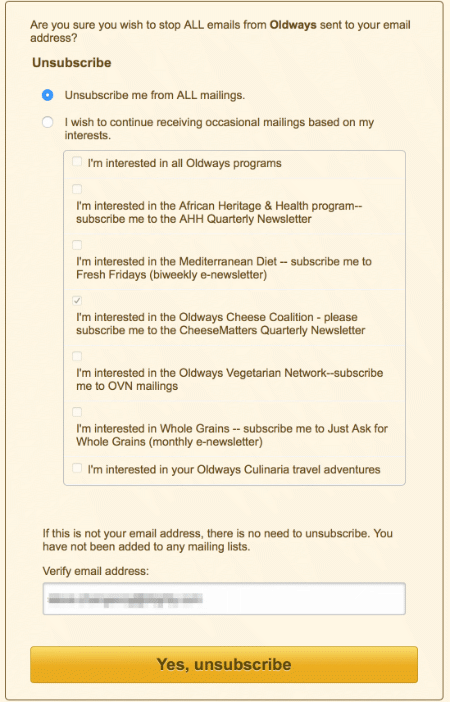
And finally, in November of 2013, I unsubscribed from every possible email I received on a specific account. I followed up on that briefly in a Part 2 post, and this month went back and wrote a Part 3 followup. Spoiler alert: spam is still a problem. Of course, we got some comments that we were probably doing it wrong, so Unsubscribe Barbie showed up to add her thoughts. We try not to be snarky around here, but sometimes we just don’t try very hard.
Read More